
Appearance
Plan & billing
Plan & billing shows what your plan includes, how much of it your account uses this month, and lets the account’s managers choose another plan, pay monthly or yearly, update the card, download invoices or cancel. Everyone in the account can see the plan; only managers can change it.
Available inSingle userSaaSOnly in the SaaS edition. In a single-user installation there are no plans or payments.Where to find it: in the sidebar, Account › Plan & billing. Banners about your trial also have a Choose a plan button that leads here.
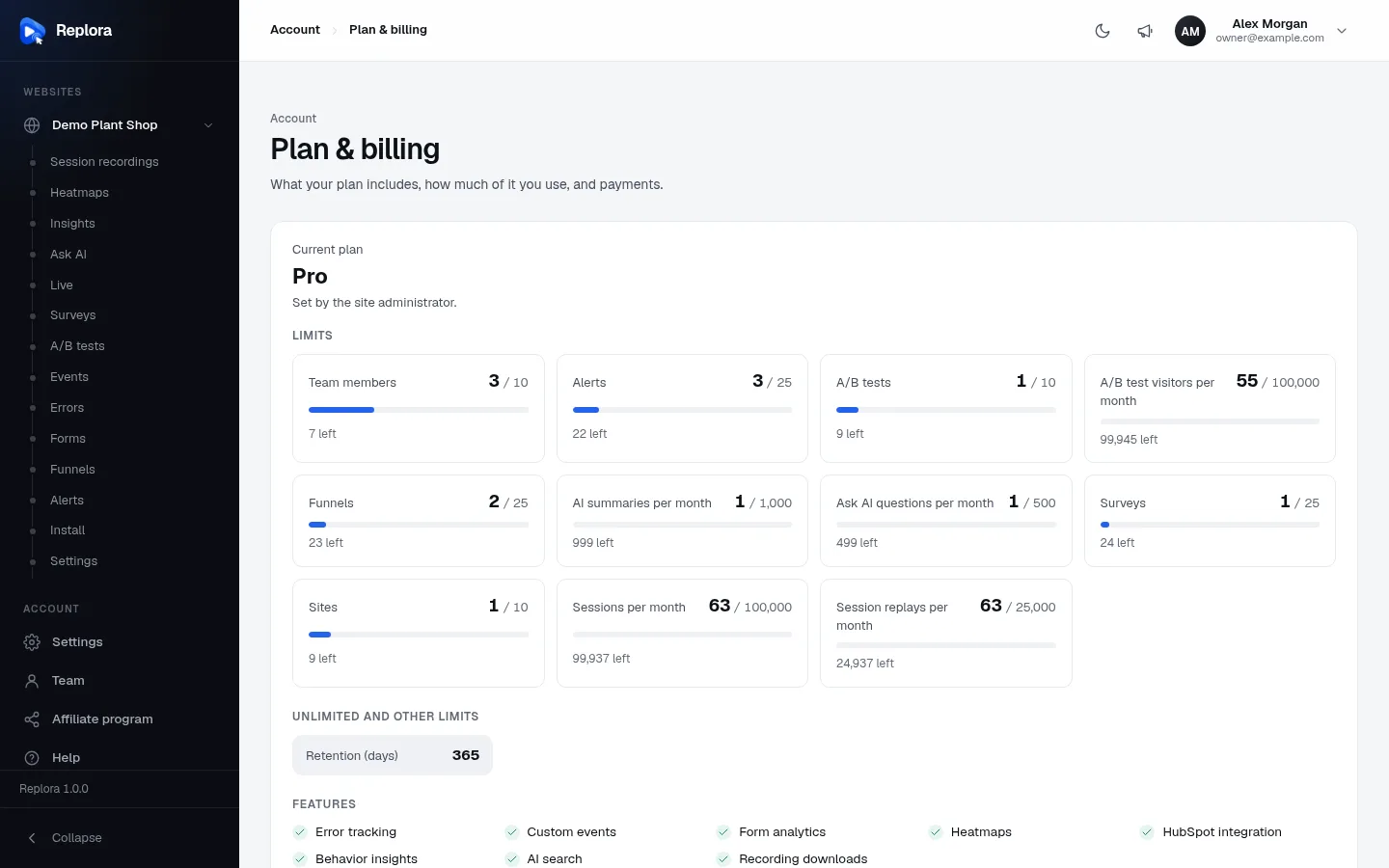
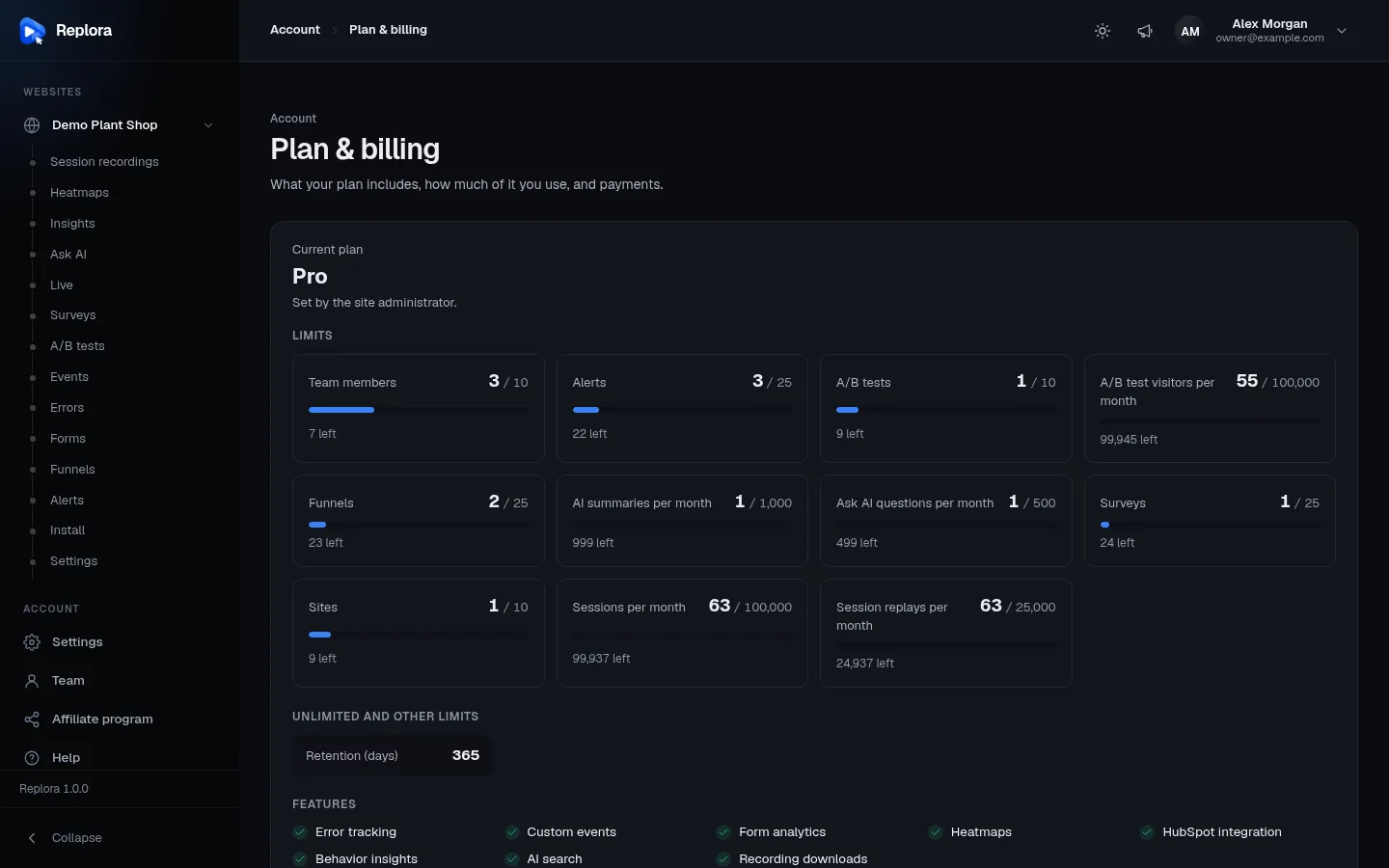
Current plan
The top card shows:
| Part | Meaning |
|---|---|
| Current plan | The plan’s name, or No plan. |
| Status line | Active subscription; Cancelled · ends date (you keep the plan until then); Payment failed: update your card; Set by the site administrator. (your plan was assigned to you by the operator, whatever you pay); Free trial until date. Choose a plan below to keep these features.; or Your free trial has ended. Your websites don’t record until you choose a plan. |
| Manage billing | Opens the payment provider’s billing portal, where you update your card, download invoices and receipts, and see your payments. Shown to managers once the account has paid at least once. |
| Cancel subscription | See Cancel. Shown to managers with an active subscription (or a failed payment). |
| Resume subscription | Undoes a cancellation before it takes effect. |
Limits
One meter per limited feature, with what you use against what the plan allows (3 / 10), a bar and what’s left (7 left). The bar turns amber from 80% and red past the limit (n over the limit). When something is over, a red notice says so: Over your plan’s limit: … Remove what you don’t need or choose a bigger plan below.
| Limit | What is counted |
|---|---|
| Sites | Websites in the account. |
| Sessions per month | Visits counted this month, all websites together: their page views, clicks and errors feed heatmaps, funnels and the other reports. |
| Session replays per month | How many of this month’s visits keep a replay you can watch. Visits beyond it are still counted in the reports, without a replay. |
| Team members | People in the account, pending invitations included. |
| Funnels, Alerts, Surveys, A/B tests | How many of each the account has, all websites together. |
| A/B test visitors per month | Visitors put into A/B tests this month. When used up, visitors see the original pages until next month. |
| AI summaries per month | Session summaries written by AI this month. |
| Ask AI questions per month | Questions to Ask AI this month (site summaries count too). |
Monthly counts start again at the beginning of each calendar month (UTC).
Unlimited and other limits
Unlimited features you use, with their count and Unlimited, and limits that aren’t counted, such as Retention (days): how long recordings are kept before they are deleted.
Features
What the plan includes (✓) or not (✕ Not included): Error tracking, Custom events, Form analytics, Heatmaps, HubSpot integration, Behavior insights, AI search, Recording downloads. Pages of features that aren’t included are hidden from the dashboard.
Plans
Under the current plan, every plan you can choose, side by side:
| Part | Meaning |
|---|---|
| Monthly / Yearly | Shown when some plans can be paid yearly: switches the prices. Yearly prices show Save n% compared with twelve months. A plan without a yearly price shows Billed monthly. |
| Plan card | Name, price per month or year (or Free), the Current or Free trial badge, and each feature’s limit (a number, Unlimited, Included or Not included). |
| Button | Choose plan when you have no subscription, Switch to plan when you have one, Your plan for the current one, Ask a manager to switch for people who aren’t managers, Not for sale online or Included for plans you can’t buy here. |
If you see Online payments are not set up on this site yet. Ask the site administrator to change your plan., plans can only be changed by the operator of this Replora service.
Choose or switch a plan
- Choose Monthly or Yearly.
- Click Choose plan (or Switch to plan).
- Without a subscription yet, you go to the payment page of the payment provider. Pay there; you come back to Plan & billing with Thank you! Your plan changes as soon as the payment is confirmed, usually within a few seconds.
- With a running subscription, the plan is switched at once (Plan changed); the payment provider settles the price difference (for example on your next invoice).
A plan you’re trying for free can be bought like any other plan.
Cancel or resume
- Click Cancel subscription.
- Confirm: You keep your plan until the end of the period you paid for, then the account moves to the free plan.
Until that date the status shows Cancelled · ends date and Resume subscription undoes the cancellation.
Free trial
During a free trial everything in the trial plan works. When it ends without a plan, your websites stop recording (everything recorded so far is kept) and a banner on every page offers Choose a plan.
Who can do what
- Managers choose, switch, cancel and resume plans and open Manage billing.
- Members and viewers see the plan, its limits and the features, but not the buttons that change them.