
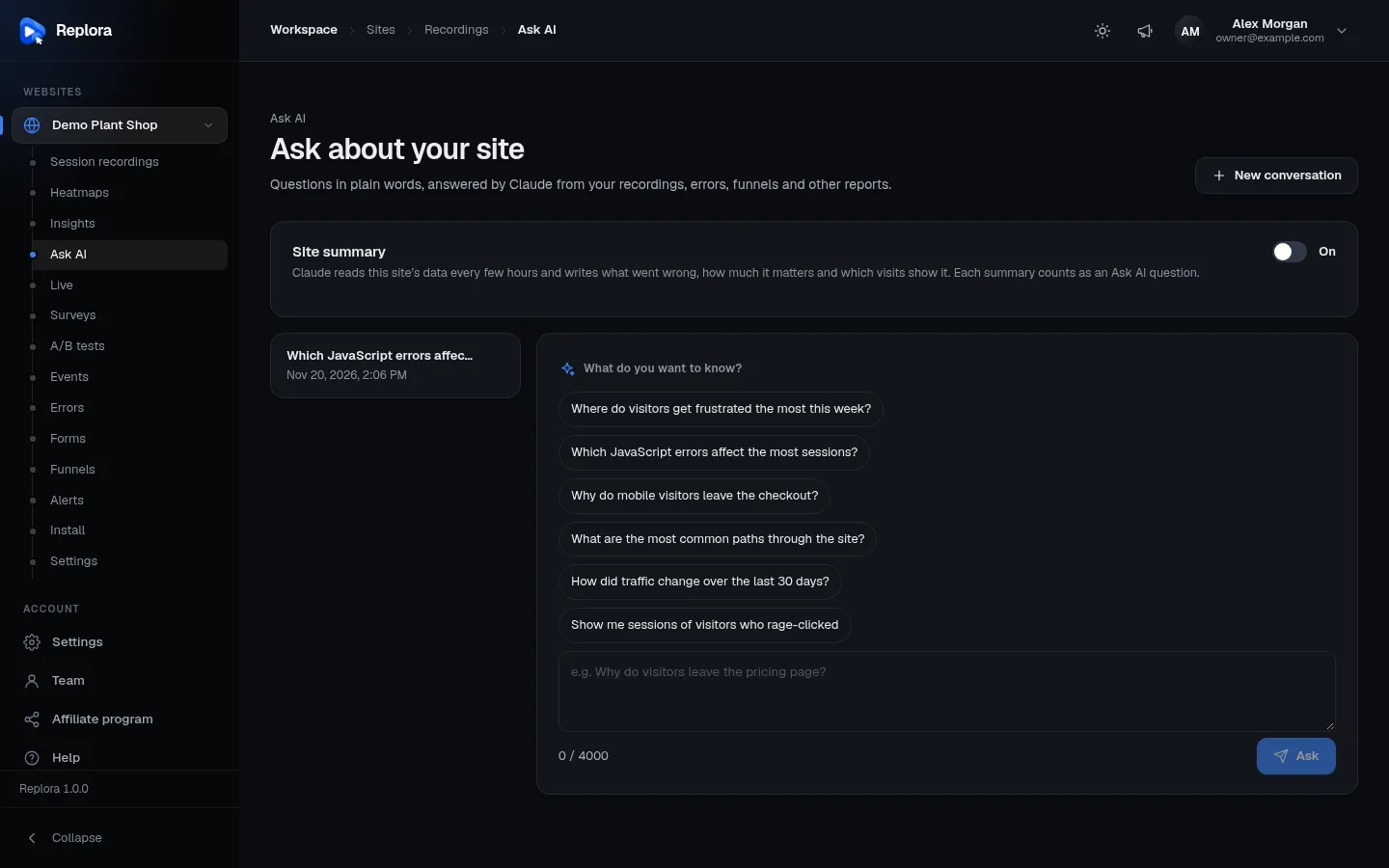
Appearance
Ask AI
Ask AI answers questions about your website in plain words: “Why do mobile visitors leave the checkout?”, “Which errors affect the most sessions?”. Claude, the AI model behind it, reads the same reports you can open in the dashboard (sessions, traffic, insights, errors, funnels, forms, surveys, A/B tests), works out the answer, and links to the sessions and reports it used, so you can check for yourself.
Where to find it: in the sidebar, under your website, click Ask AI (for example Demo Plant Shop › Ask AI).
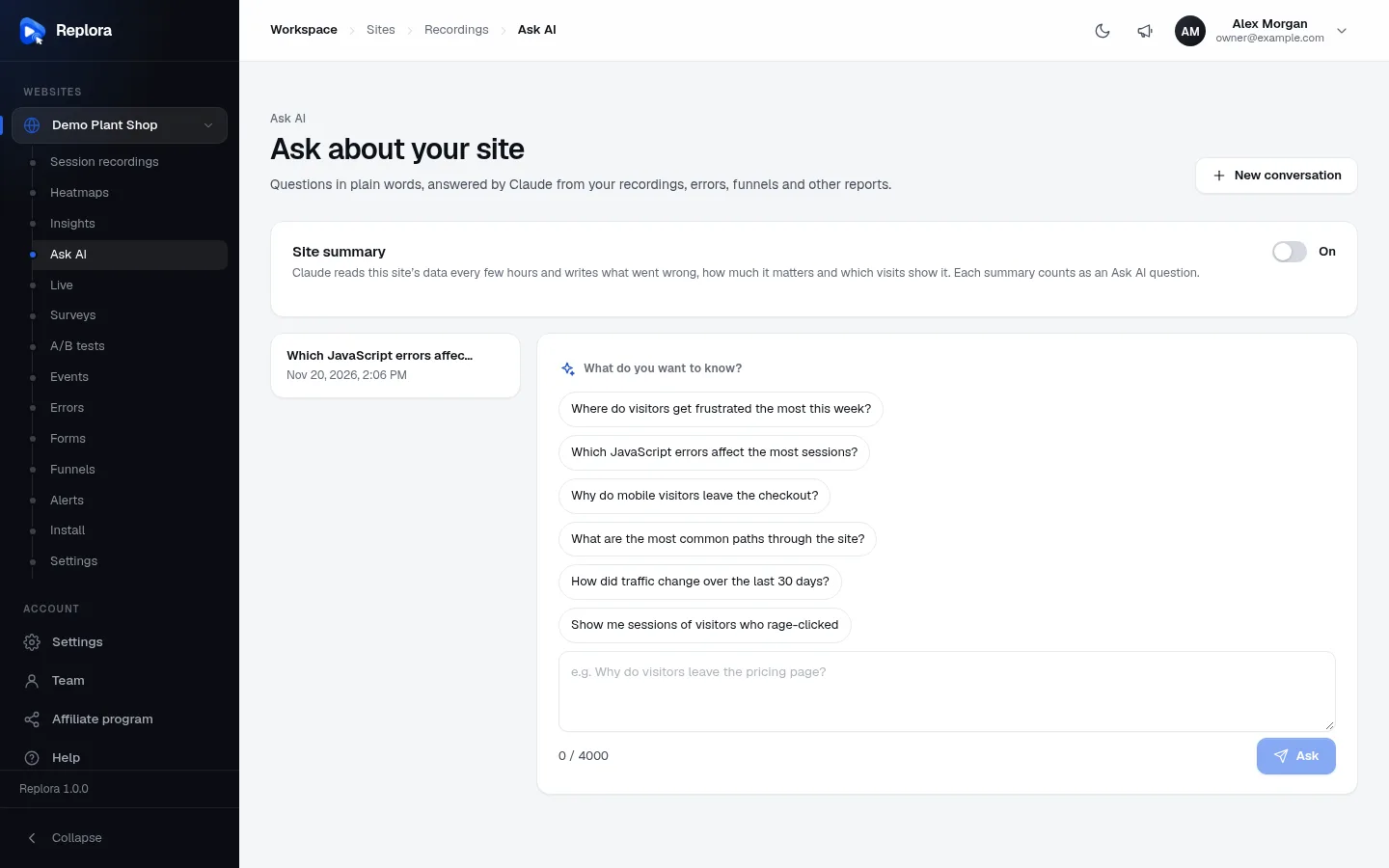
Ask a question
- Open Ask AI for your website.
- Type your question in the box (for example e.g. Why do visitors leave the pricing page?), or click one of the suggestions under What do you want to know?.
- Press Enter or click Ask. (Shift + Enter starts a new line.)
- While Claude works, you see what it is reading: Thinking about where to look…, then Reading sessions, errors….
- The answer appears with bold highlights and links. Links to a session open its replay; links to a report open that page of the dashboard. Under the answer, Based on: lists what was read.
- Ask a follow-up in the same box (Ask a follow-up question…): Claude remembers the conversation.
Questions can be up to 4,000 characters (the counter under the box shows n / 4000) and need at least 2.
Suggested questions
- Where do visitors get frustrated the most this week?
- Which JavaScript errors affect the most sessions?
- Why do mobile visitors leave the checkout?
- What are the most common paths through the site?
- How did traffic change over the last 30 days?
- Show me sessions of visitors who rage-clicked
More examples
- Compare the conversion of the Checkout funnel on mobile and desktop this month.
- Which form field makes visitors give up most often?
- What do detractors say in the NPS survey?
- Is variant B of the hero headline test winning?
- Find sessions from Germany that visited /pricing and had a JavaScript error.
Conversations
| Part | What it does |
|---|---|
| List on the left | Your earlier conversations, last active first, named after their first question, with the date. Fifteen at a time, with a pager. Click one to open it. |
| Bin icon | Delete conversation: “Delete this conversation?” The questions and answers are removed for good. |
| New conversation (top right) | Starts a fresh conversation (Claude forgets the earlier one). |
Conversations are personal: each person sees only their own, even on a shared website.
Site summary
The Site summary card at the top is a short diagnosis of the whole website that Claude writes by itself: what went wrong, how much it matters and which visits show it.
| Control | What it does | Who |
|---|---|---|
| On switch | Turns the summary on or off. When on, it is rewritten every 6 hours; the first one is written right away. | Account managers |
| Write again | Has the summary rewritten now. | Account managers |
| Written by … on … | Which model wrote it and when, and Next one around …. | Everyone |
Each summary counts as one Ask AI question against your plan. Members and viewers see the summary once a manager has switched it on.
What Ask AI uses, and what it can’t do
- Only your data, only what you may see. Claude reads the website’s reports through the same doors you use, as you: it never sees websites, pages or data your role or plan doesn’t give you.
- It reads, it never changes anything. Ask AI can’t create funnels, change settings or delete anything.
- Up to 12 reads per answer. For very broad questions it may say what it could not check. Narrow questions (a page, a period, a device) give better answers.
- Not what visitors typed. Masked text and form inputs aren’t recorded, so Claude can’t see them either.
- AI can be wrong. Use the links to check the sessions and reports before acting on an answer.
Limits
- In the SaaS edition your plan sets how many Ask AI questions per month your account has (all people and websites together; follow-ups and site summaries count). When they’re used up: “Your plan allows n Ask AI questions a month. Upgrade the plan or wait for next month.” See Plan & billing.
- If you see Ask AI is not set up, the AI connection hasn’t been configured on this Replora installation. Ask its administrator (Replora Docs: AI features).
Who can use it
Everyone with access to the website, including viewers: asking questions doesn’t change anything. Turning the site summary on or off is for account managers.
Related
- Behavior insights
- JavaScript errors
- Funnels
- Filters & search: the plain-words search of the session list.
- Watching a replay: the AI summary of a single session.