
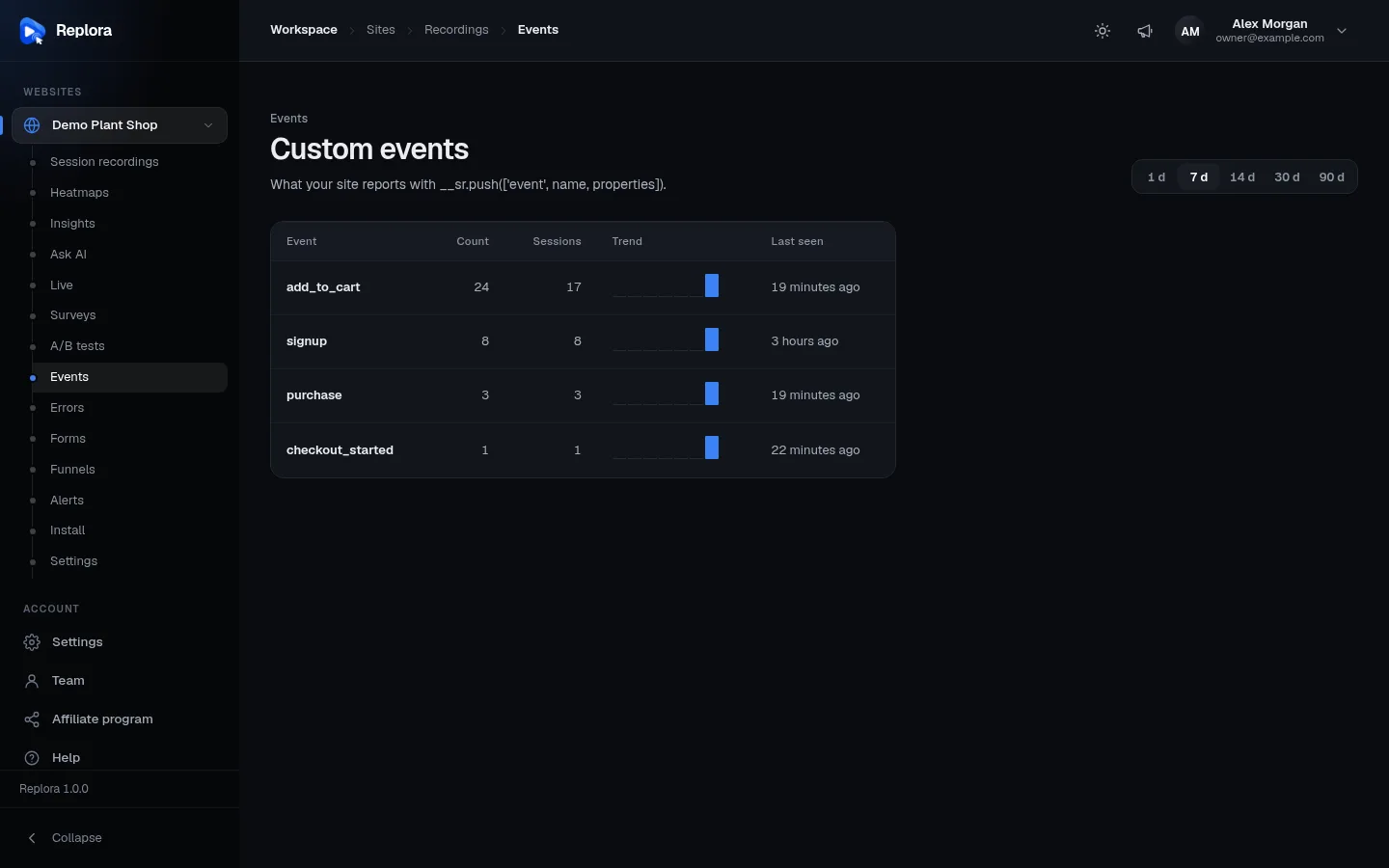
Appearance
Custom events
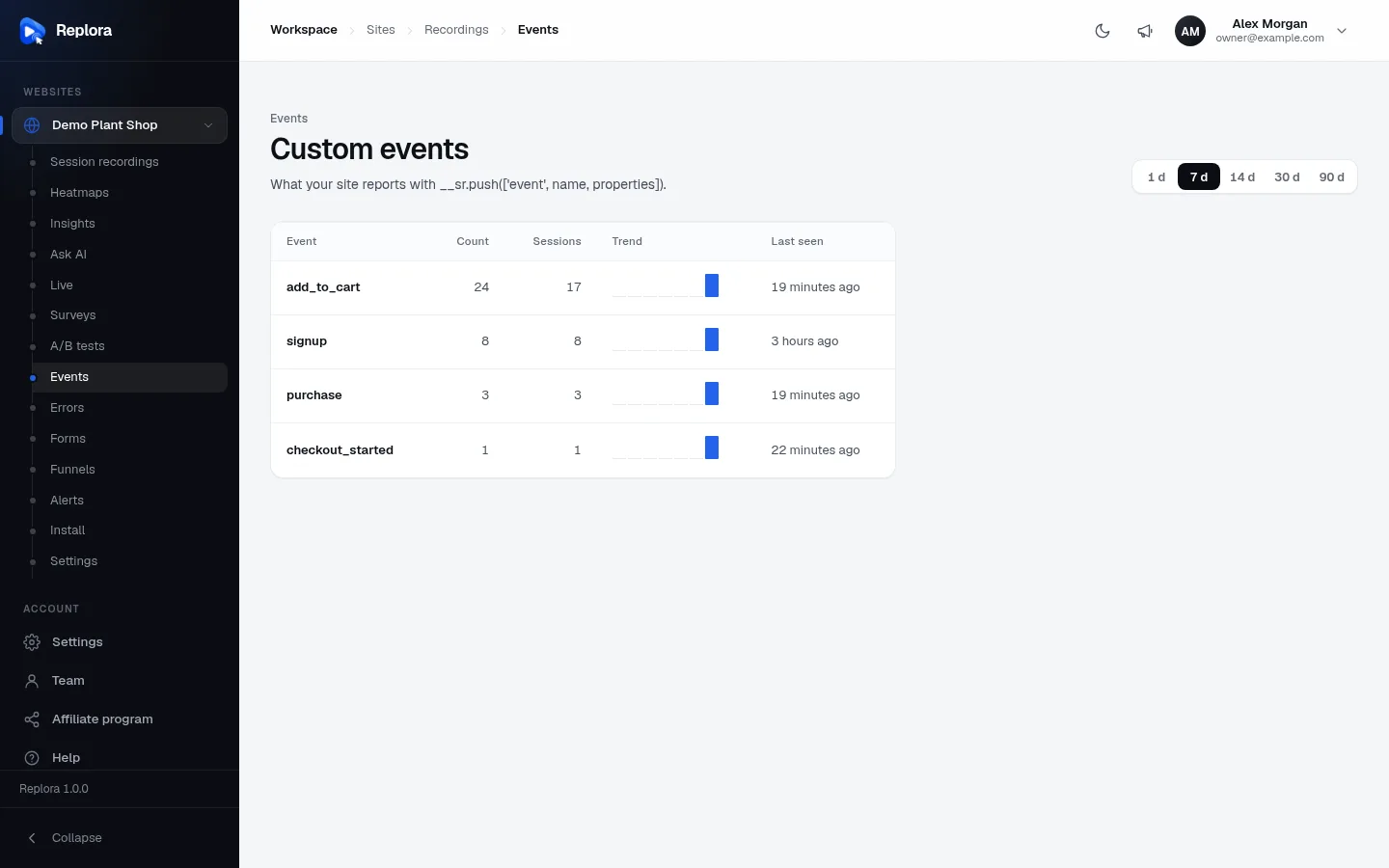
Custom events are moments your website tells Replora about, such as “signup”, “purchase” or “add_to_cart”. The Events page counts them, shows their trend, and lists the latest ones with the visit they happened in, so you can jump straight to the replay of someone who just bought something, or who never did.
Where to find it: in the sidebar, under your website, click Events (for example Demo Plant Shop › Events).
How events get here
Events don’t appear by themselves: your website sends them, with one line of code where the moment happens. For example, after a successful sign-up:
js
window.__sr = window.__sr || [];
__sr.push(['event', 'signup', { plan: 'pro' }]);signupis the event’s name (up to 64 characters). Use the same name every time for the same moment.{ plan: 'pro' }are optional properties: details you want to see next to each occurrence.
Pass this to your developer, together with the JavaScript API page of the Replora Docs.
Name events like actions
Short, lower-case names that say what happened read best in the list and in filters: signup, add_to_cart, purchase, newsletter_subscribed.
The events list
| Control / column | What it does |
|---|---|
| 1 d / 7 d / 14 d / 30 d / 90 d (top right) | The period. 7 days is the default. |
| Event | The event’s name. |
| Count | How many times it happened in the period. |
| Sessions | In how many visits it happened. A count much higher than the sessions means visitors trigger it several times per visit. |
| Trend | One bar per day of the period. |
| Last seen | When it last happened. |
The list holds up to 200 event names, most frequent first, a page at a time. If none has been sent yet, the page shows No events yet with an example line of code.
One event’s occurrences
Click an event to open Latest “name” events beside the list (click it again to close it). Up to the 100 latest occurrences in the period, newest first:
- the date and time, as a link that opens the replay at that moment;
- the page it happened on;
- its properties, as
key: value · key: value.
Open in the session list shows every session that sent this event in the session list, where you can combine it with other filters, export the list or save the search.
Where else events are used
| Feature | How it uses events |
|---|---|
| Session recordings | Open the sessions that sent an event (with Open in the session list) and combine it with any other filter. |
| Surveys | Show a survey When your site fires an event instead of after a delay. |
| A/B tests | Use A custom JavaScript event as a test goal. |
Who can use it
Everyone with access to the website, including viewers. In the SaaS edition custom events must be included in your plan.
Related
- JavaScript API (Replora Docs, for developers)
- Filters & search
- Funnels
- Install the tracking code